BACKCOUNTRY SOLUTIONS

How the KEYHOLE Works

HOME | KEYHOLE Description | How the KEYHOLE Works | KEYHOLE Video | KEYHOLE Story | KEYHOLE Strap Options | KEYHOLE Customer Comments | KEYHOLE Media and Reviews | KEYHOLE Purchase | GEEK POCKET Description | GEEK POCKET USE | GEEK POCKET Media and Reviews | GEEK POCKET Purchase

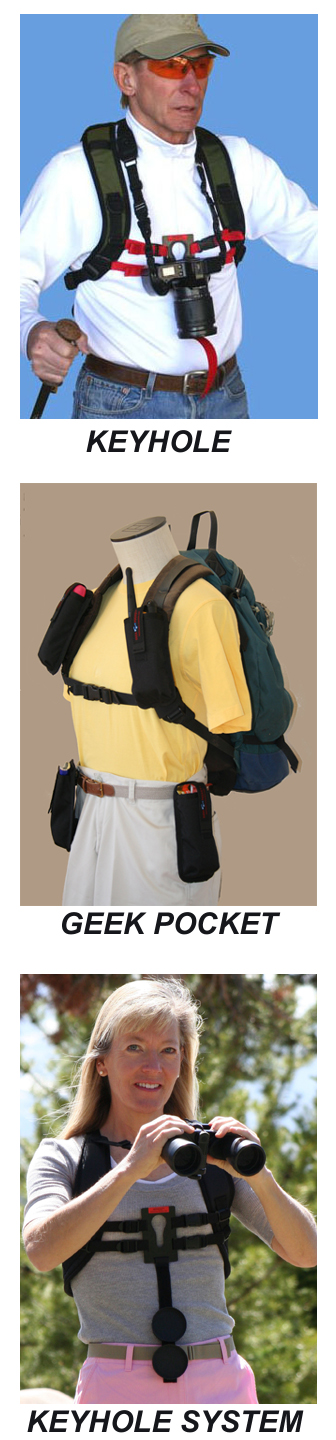
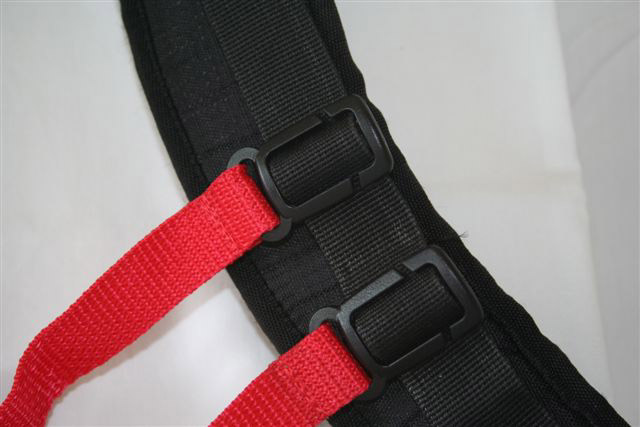
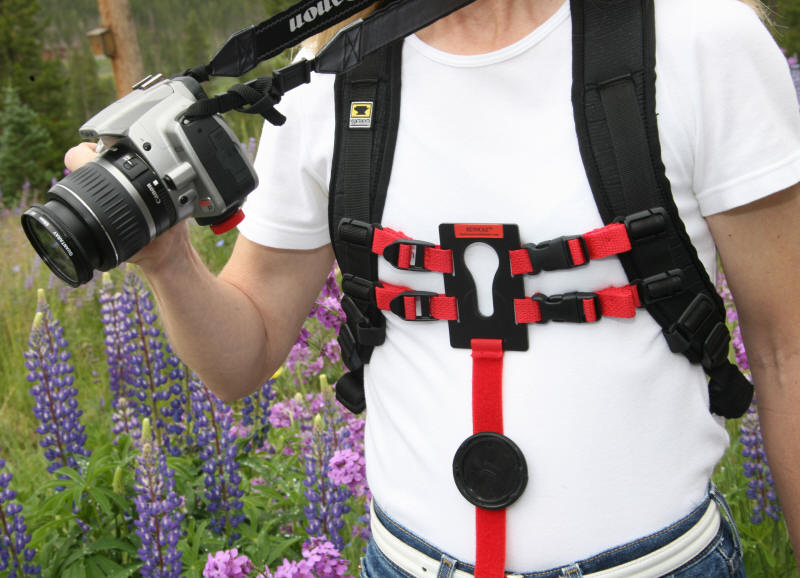
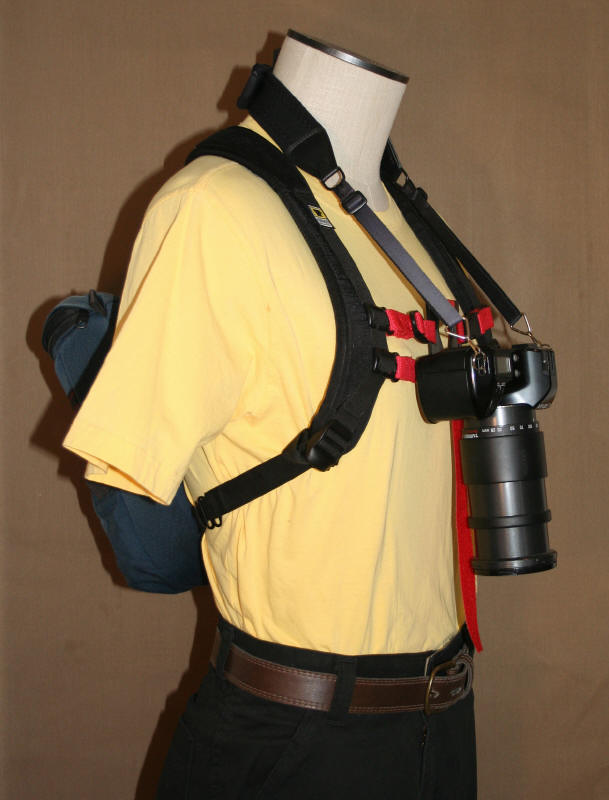
Attach the KEYHOLE Hands-Free Camera Harness to your backpack or chest harness shoulder straps.  Open the quick disconnect buckles and slide on the backpack and harness.  Close the quick disconnect buckles and snug up the straps.   
 
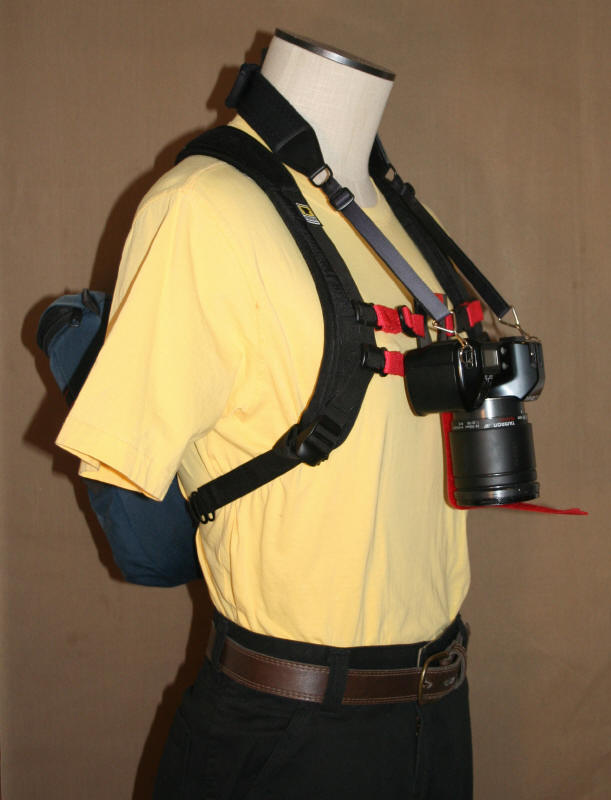
Install the red knob to your camera in the tripod mount hole.  This knob is designed to fit into the slot on the KEYHOLE plate.  Adjust the neck straps on your camera to allow enough weight of the camera to rest in the slot.  This weight keeps the camera secured in the slot and prevents it from swinging. 
 
Attach the red dangling strap to the lens cover to prevent creep.
 
In order to unattach the camera for use, simply remove the lens cover from the camera and raise the camera up slightly, which will disengage the knob from the plate.  The camera is ready to use.
 
The lens cover is still attached to the strap and can stay there for safe keeping while taking photos. 

1.jpg
(One side of neck strap is removed for visual purposes in above photo)
keyholefrontviewext.jpg
(Above photo shows lens creep - red strap not attached)
keyholefrontview.jpg
(Above photo shows creep prevention - red strap attached)

The red strap dangling, attaches to the lens cap of the camera and will prevent creep of the lens and will keep the cover safely attached when it is not in use.

Please feel free to contact us with your comments and suggestions:

You can e-mail us at:

Backcountry Solutions, LLC
P.O. Box 537
Tabernash, Colorado  80478